
freqz booth
Craft a multi-frame collage in seconds — free in your browser, or AI-polished from one portrait.
Start with a free collage (no sign-in), or switch to AI for a restyled one-photo shoot that uses credits.
Upload one portrait, mix and match background, layout, poses, scene and stickers, then download a polished multi-frame collage in seconds.
Upload Your Photo
Drop an image here, or tap to select — JPG, PNG, WEBP up to 10 MB.
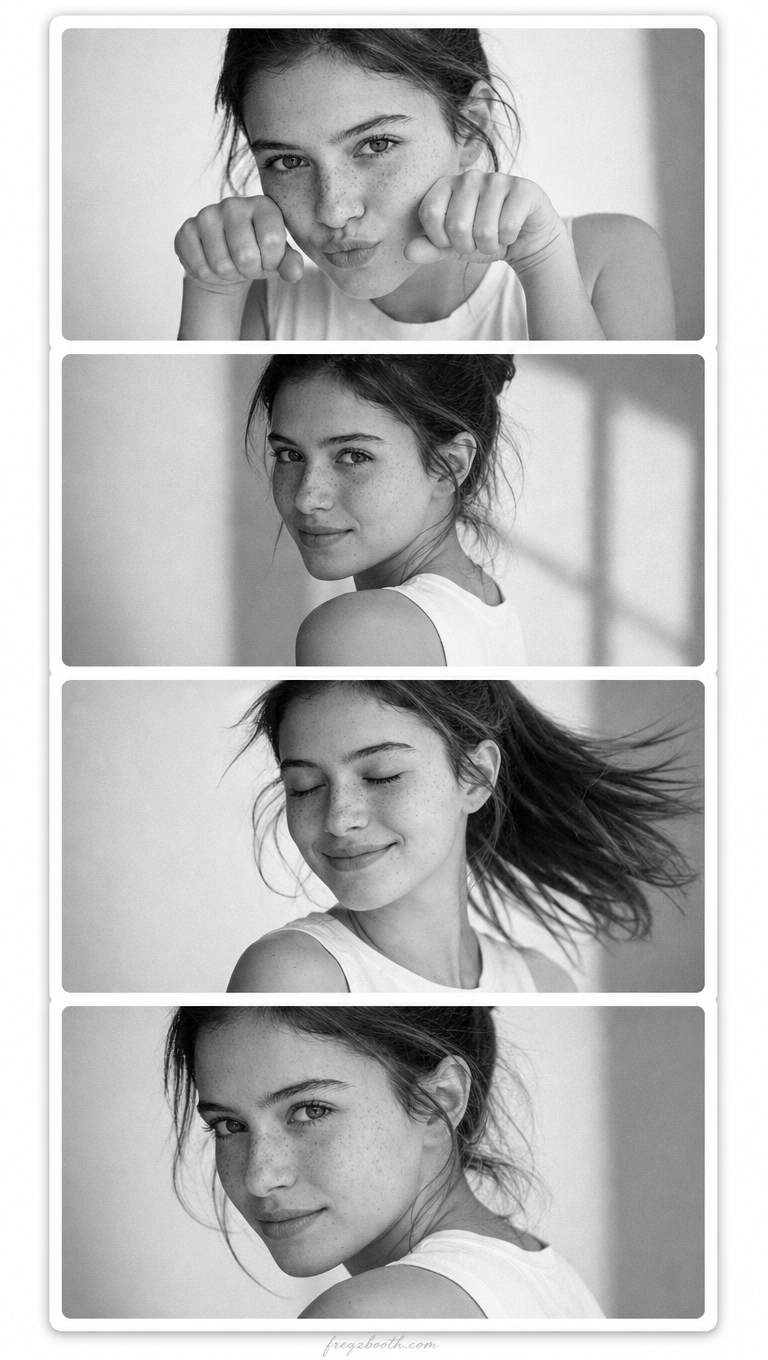
Example AI photo booth output
Upload a photo and choose background, scene, poses, and decorations—Freqz Booth generates multi-frame booth output like this.
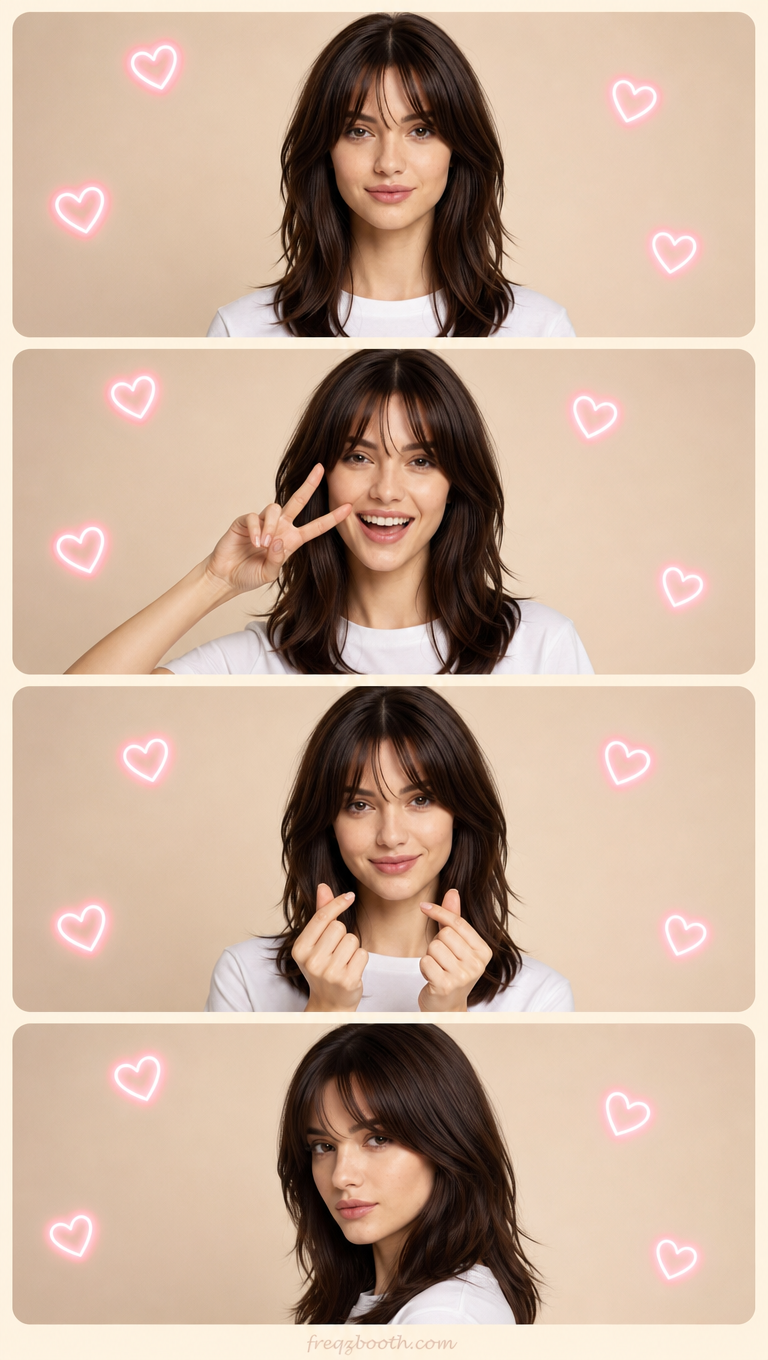
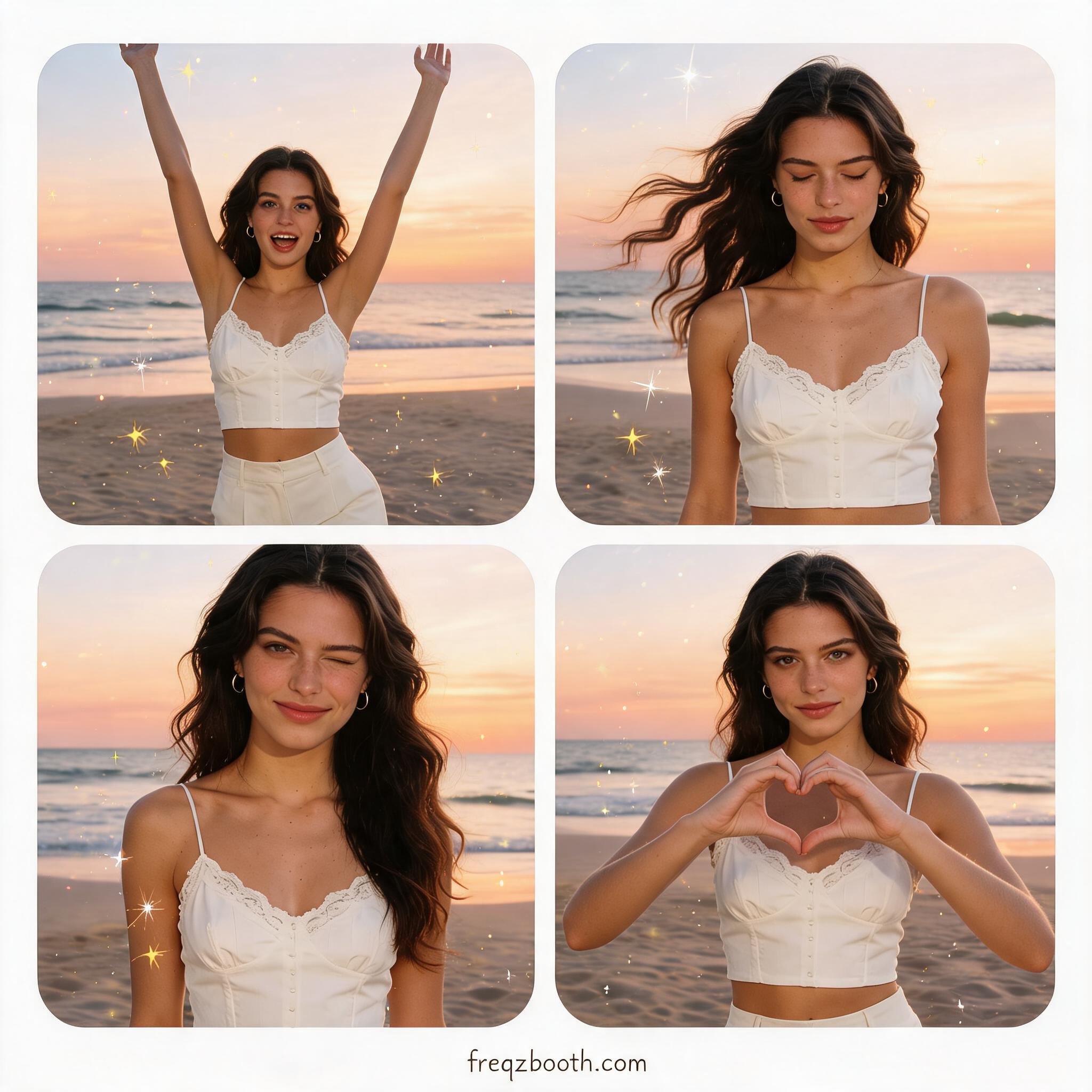
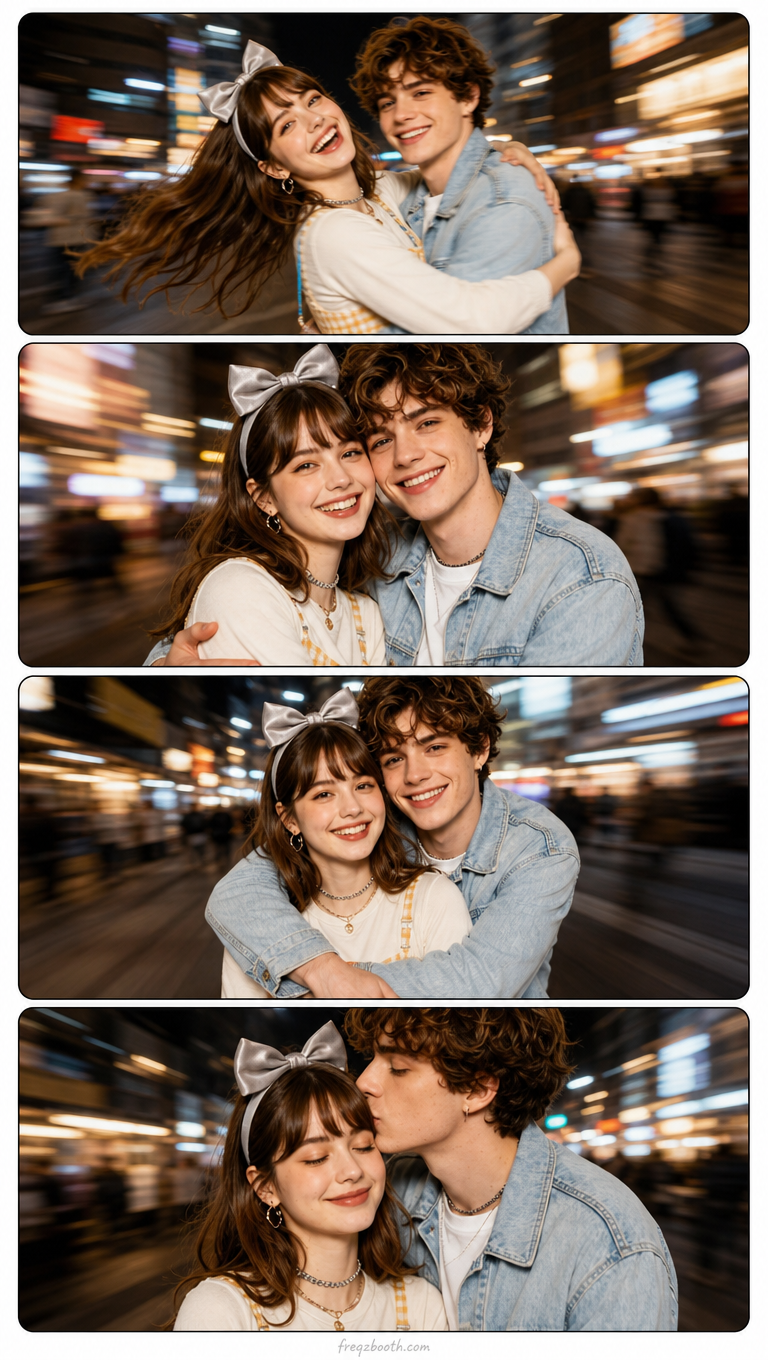
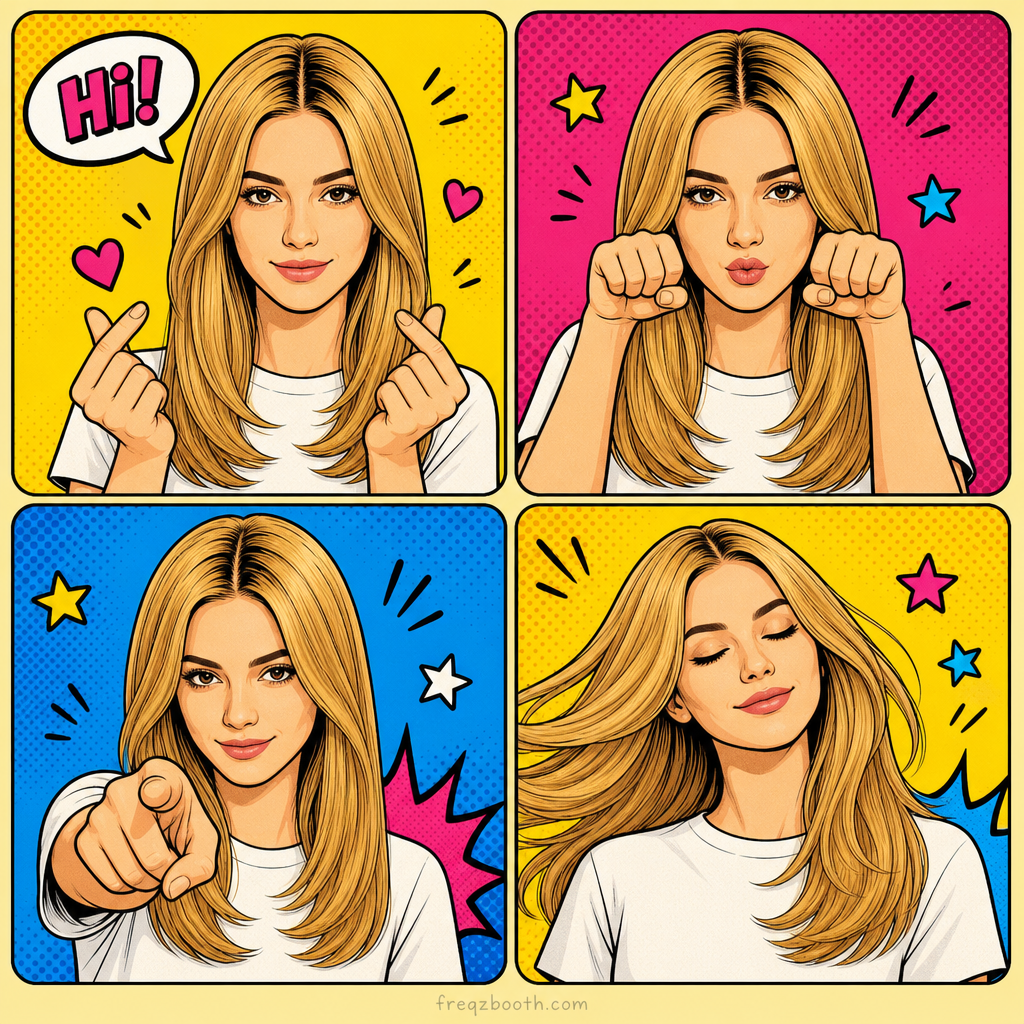
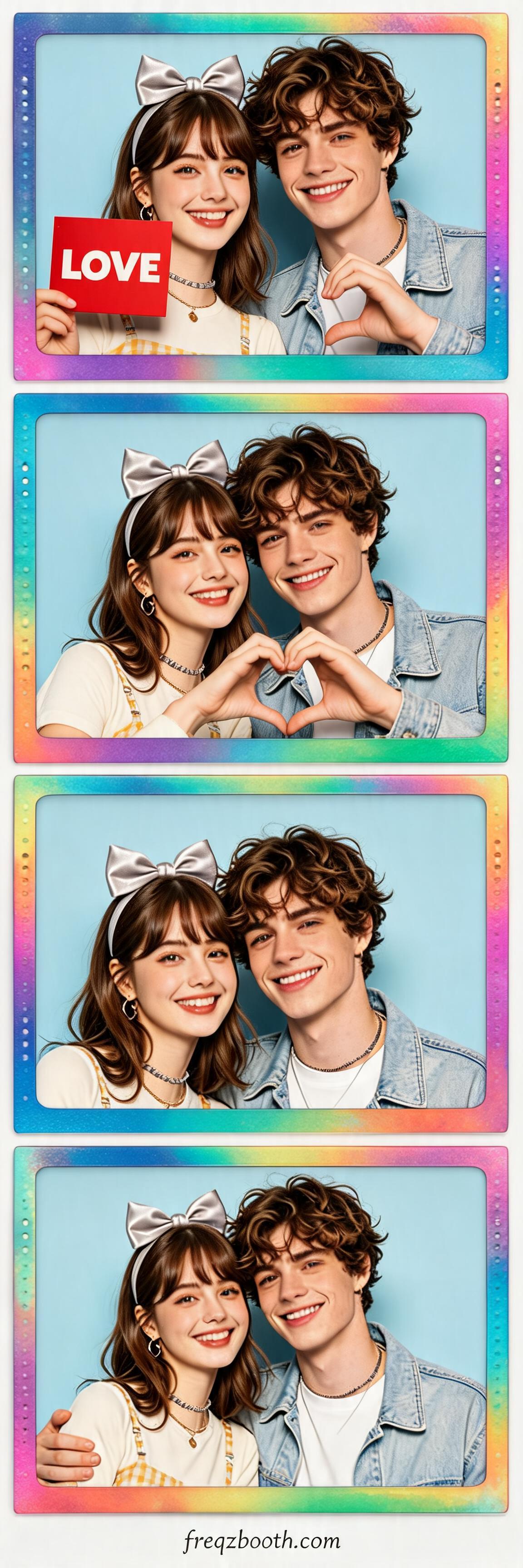
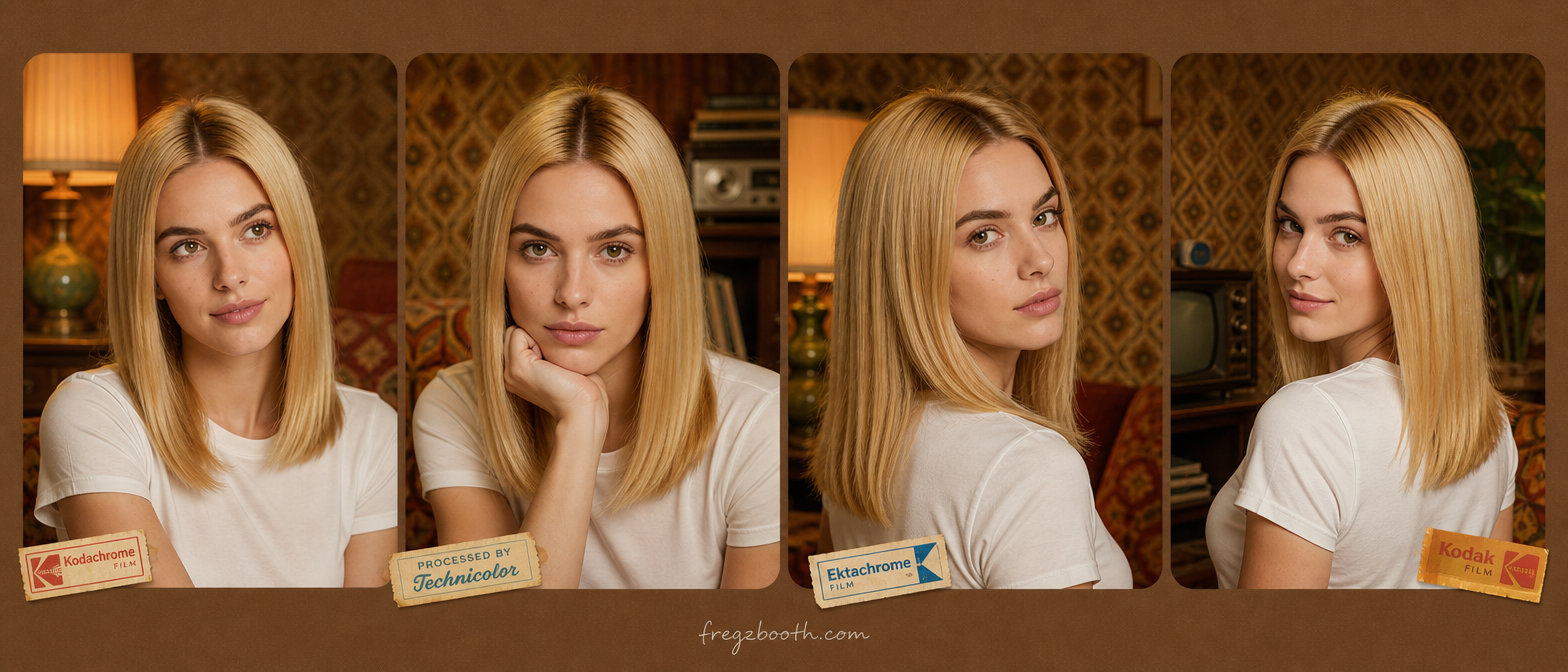
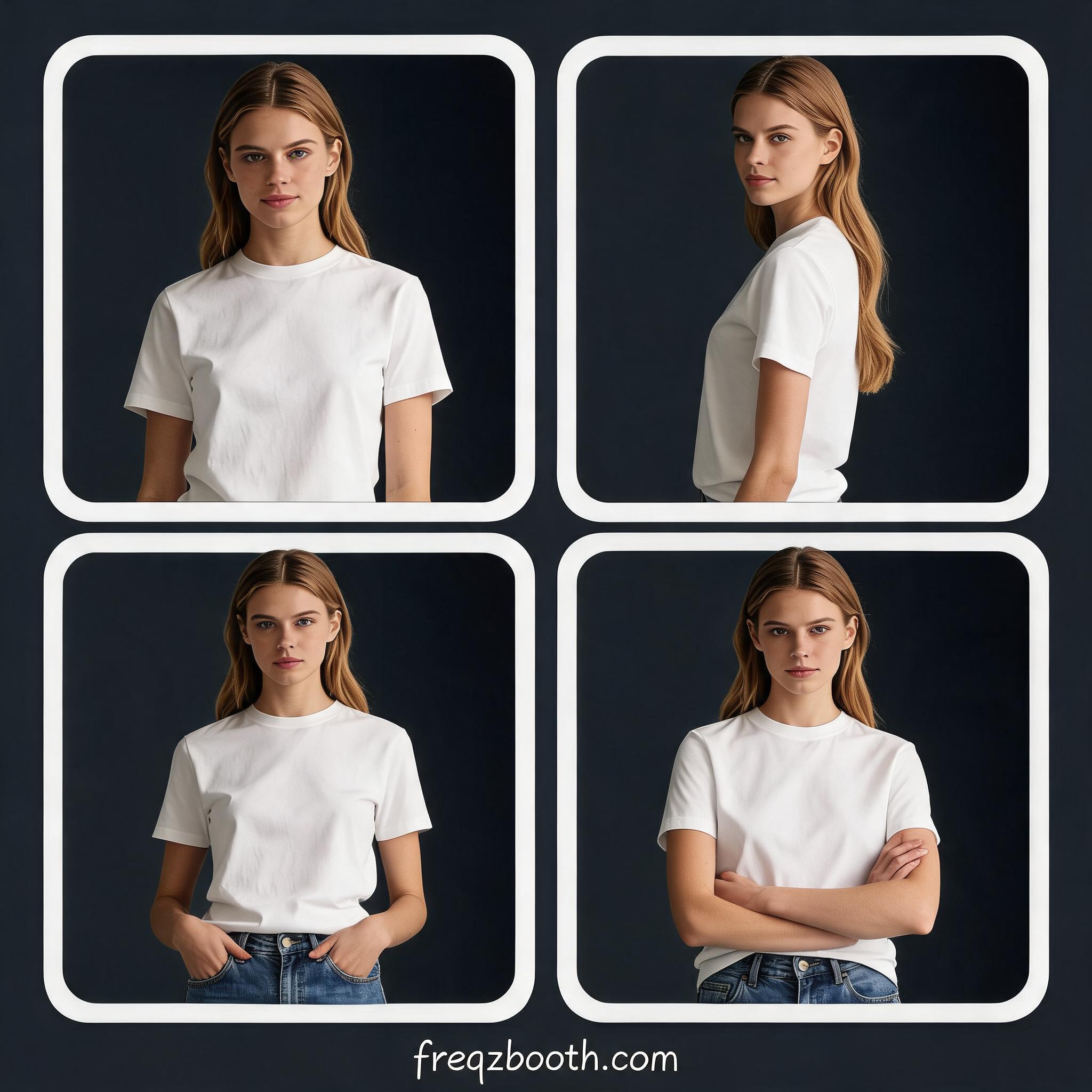
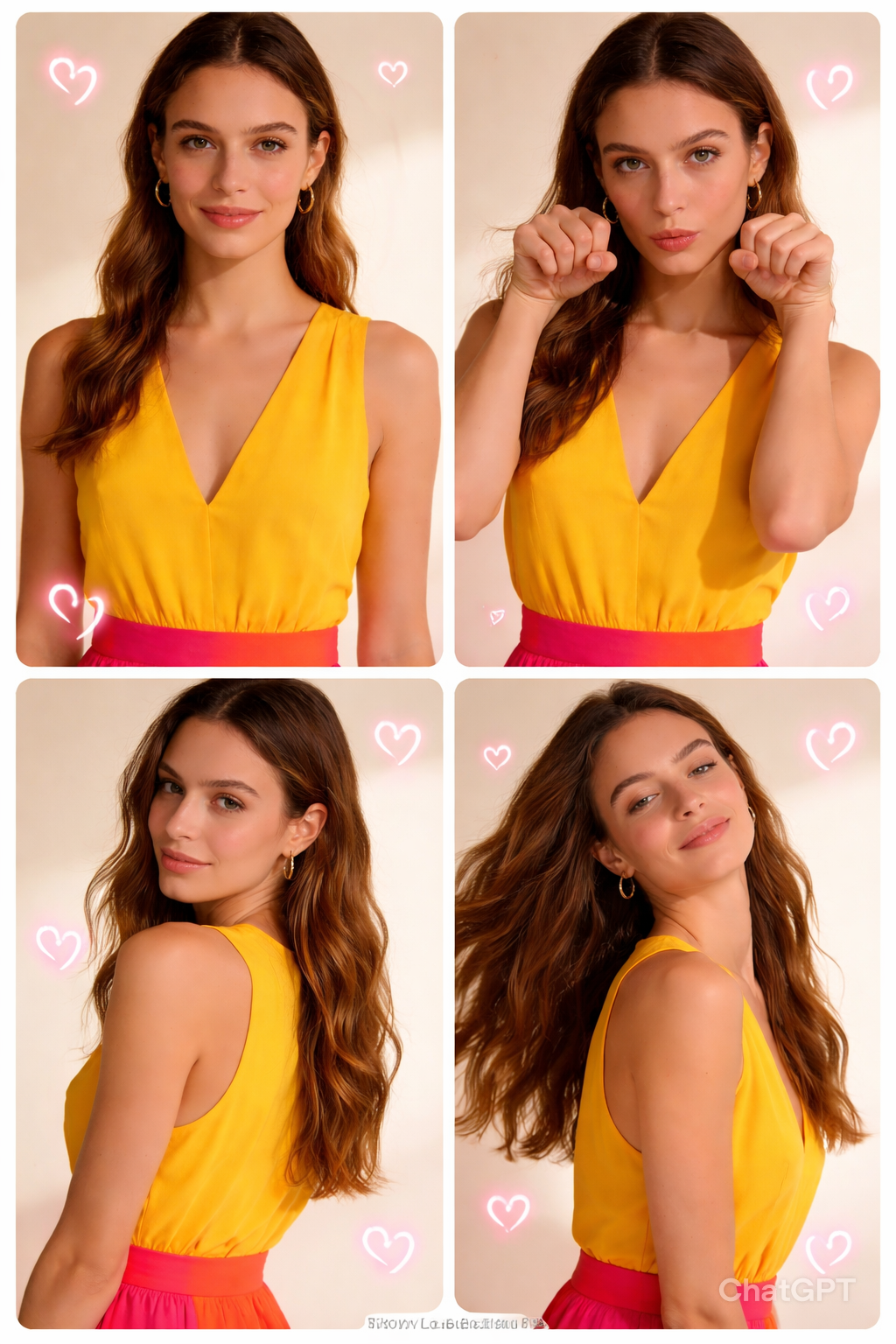
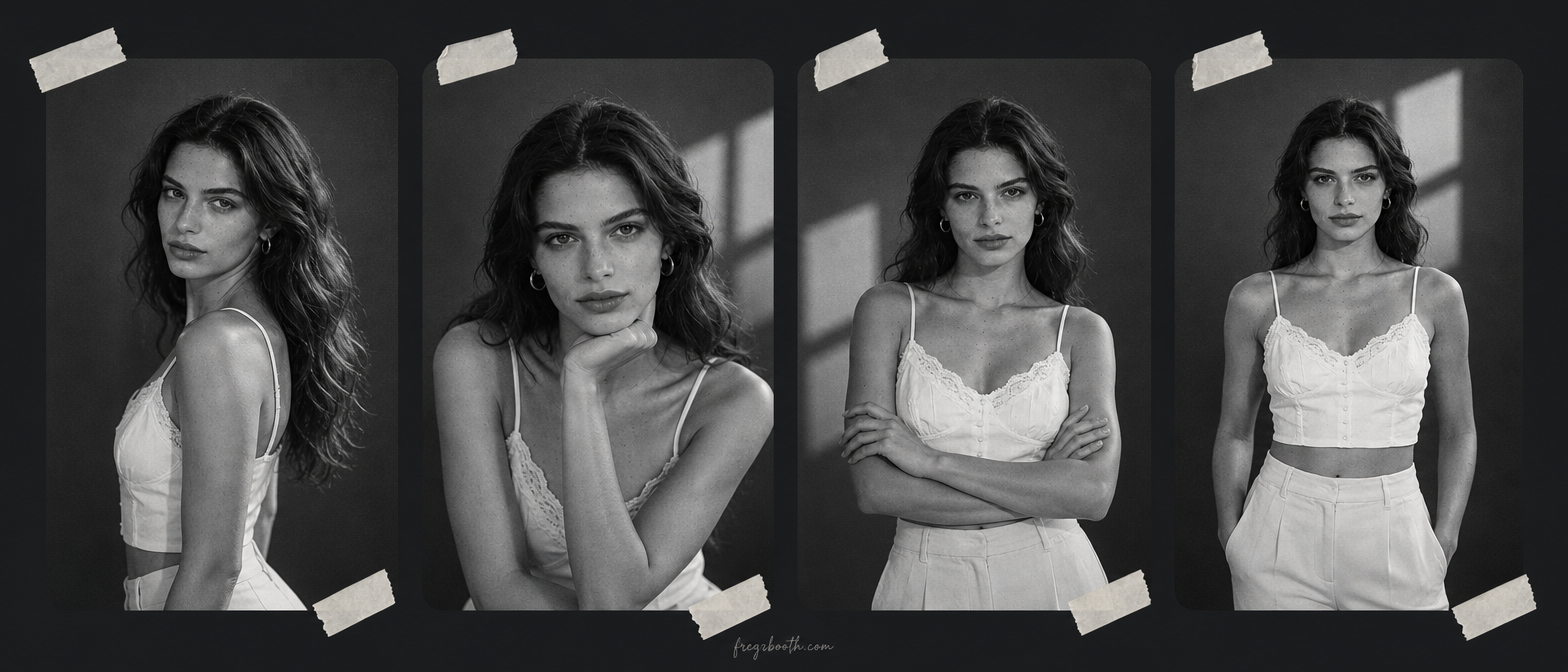
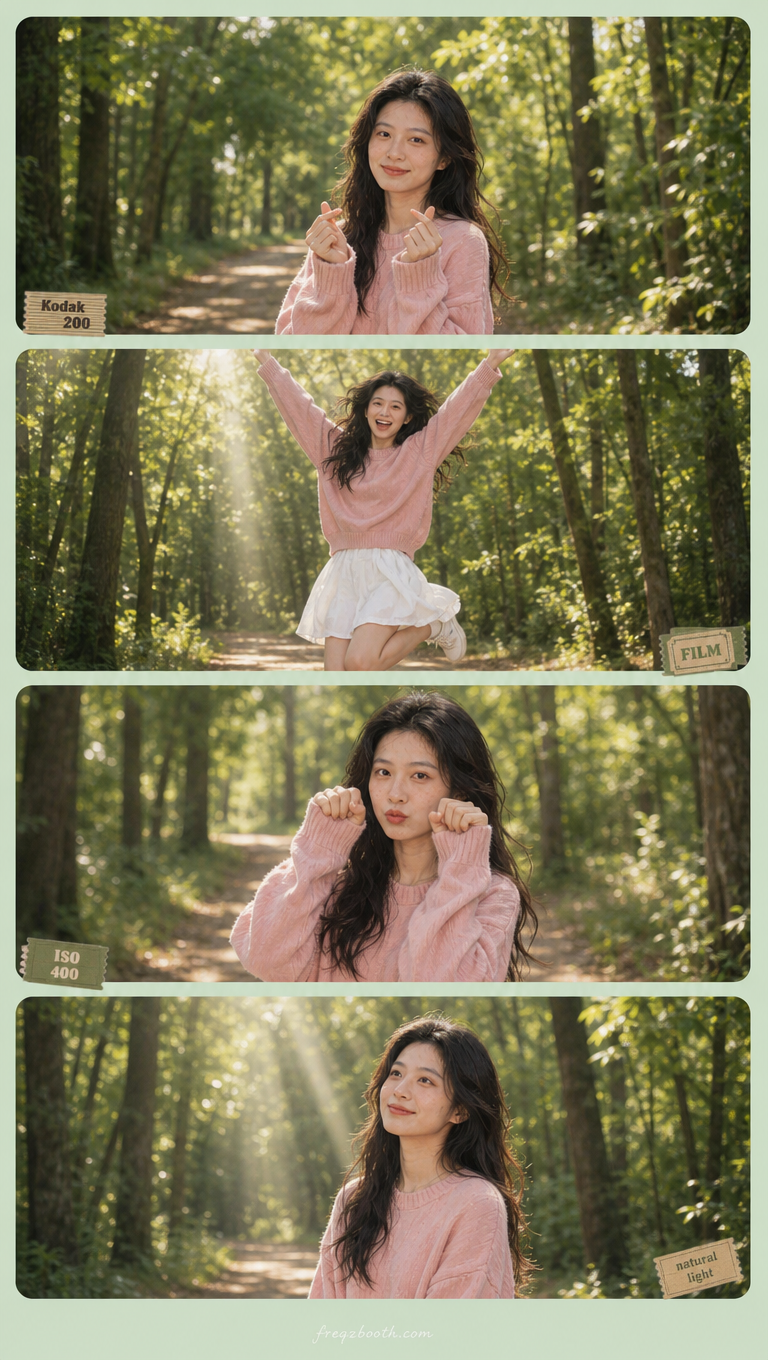
How to Use Freqz Booth
On the home page hero: upload a photo and adjust collage options; when you are ready, tap Generate for results in seconds.
1
Upload a photo
Drag and drop or tap to pick JPG, PNG, or WebP (max 10 MB). Works with solo portraits or a couple shot.
2
Dial in your options
Set background, layout, a pose per panel, scene & style, and sticker decorations yourself. Expand Prompt to edit copy; changing an option updates only its labeled section. Tap Generate when it looks right.
3
Download
Download the PNG when it is ready. We do not keep your original photo long-term—save the result promptly.
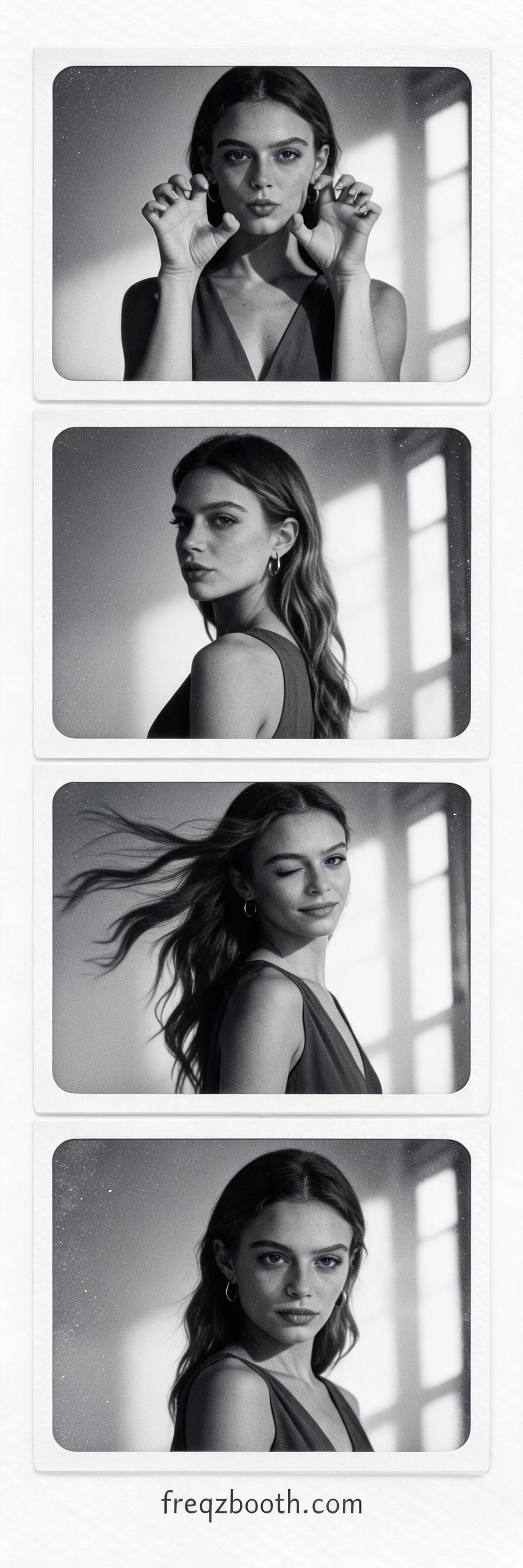
Why Freqz Booth Is a Better AI Photo Booth
Everything you need to create high-quality AI photo booth results directly in your browser.
One Photo In, Booth Set Out
Upload one image and Freqz Booth keeps the same subject(s)—solo or couple—across every panel in a coherent multi-frame booth strip.
AI Photo Booth Controls
Choose background color, layout (column, grid, or row), a pose per panel, scene & style, and decorations. Expand Prompt to fine-tune text; options only replace their own paragraph.
High-Res Booth Export
Download your generated booth image as high-resolution PNG, ready for sharing or printing.
Privacy First
Freqz Booth AI processes your image securely and never stores it.
Freqz Booth: AI Photo Booth Generator
Freqz Booth is an AI photo booth generator that turns one portrait into a polished multi-frame booth strip. On the home hero, upload your photo and set background color, layout, four poses, scene & style, and decorations—expand Prompt to fine-tune, then tap Generate.
Download a high-resolution PNG. We do not keep your original photo long-term—save your result promptly.
FAQ
Common questions about Freqz Booth, answered.
What is Freqz Booth?
Freqz Booth is an AI photo booth generator. You upload one photo, and Freqz Booth creates a polished multi-frame booth-style image.
What does Freqz Booth mean?
The **Freqz Booth** name comes from two cues: the first part echoes *Frequency Response of Z-transform*—a metaphor for a response-style transform on your photo—and *Booth* signals our focus on photo booth-style multi-frame strips you can share.
How does Freqz Booth AI Photo Booth work?
After you upload a photo, Freqz Booth keeps the same subject(s)—one person or a couple—across all panels. Choose background color, layout, a pose for each panel, scene & style, and decorations; expand Prompt to fine-tune. Generation requires sign-in and credits.
Does Freqz Booth store my photos?
In Freqz Booth AI Photo Booth generation, your image is securely processed and immediately deleted after your result is produced.
What styles are available in Freqz Booth?
Combine Scene & style with background, layout, four poses, and decorations to steer the look yourself. Some choices unlock after you purchase credits.
How much does Freqz Booth cost?
Each Freqz Booth AI Photo Booth generation costs 2 credits. You can purchase credits on the pricing page.
Can I use Freqz Booth on my phone?
Absolutely! Freqz Booth works on any modern browser — desktop or mobile.
What image formats does Freqz Booth support?
Freqz Booth accepts JPG, PNG, and WebP images up to 10 MB. For best results, use a clear, well-lit selfie or portrait photo.
What makes Freqz Booth different from other photo tools?
Freqz Booth focuses on AI photo booth output quality: consistent identity across frames, fast generation, and simple controls that do not require manual editing.